
! Без рубрики
How to Exchange XMR for USDT: Addresses, Confirmations, Networks, and Limits
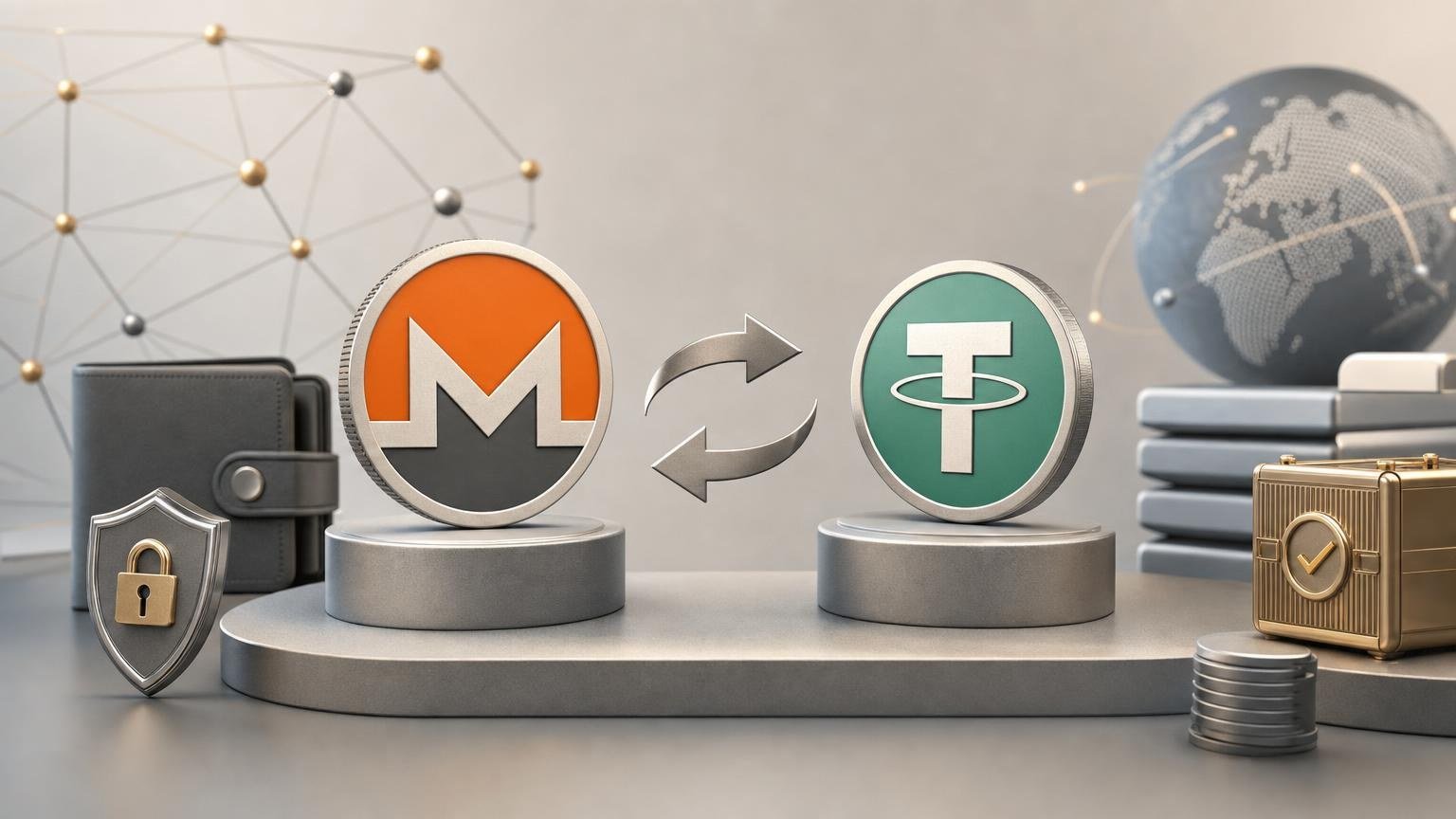
Exchanging Monero (XMR) for Tether (USDT) requires two different address checks. First, you send XMR to the deposit address assigned to the exchange order. The service then sends USDT to your chosen receiving address on the selected blockchain. A valid address on the wrong network, an omitted destination memo, or an expired order can make the route fail even when every copied character appears correct.
What must be decided before creating an order
Define the intended result precisely: you are sending XMR and want to receive USDT in a wallet or account that supports a particular USDT network. USDT operates on multiple blockchains, so the asset name alone does not identify the correct withdrawal route. The receiving platform must support both USDT and the same network selected in the exchange order. [1]
Open the receiving wallet or platform first and generate a fresh USDT deposit address. Record the displayed network name and check whether the destination also requires a Memo, Tag, comment, or other identifier. Do not infer the network from the visual appearance of the address: different systems may use similar address formats, while one wallet interface may display several network choices for the same asset.
Before proceeding, confirm that the XMR-to-USDT direction and your required USDT network are currently available. Asset support does not guarantee that every pair, network, or exchange direction is open at a particular moment. Limits, compliance requirements, and availability may also depend on the order and the results of applicable checks.
Operation state map
- Task: convert XMR into spendable USDT.
- Transition condition: you have access to an XMR wallet with sufficient unlocked balance and a destination that accepts USDT.
- Success check: the destination displays a USDT deposit network and receiving details.
- Stop if: the destination shows only another asset, does not identify the network, or deposits on that network are suspended.
- Input data: USDT address and network.
- Transition condition: the network selected for the order exactly matches the network named by the receiving wallet or platform.
- Success check: the address is accepted by the order form, and any destination-required Memo or Tag has a dedicated field.
- Stop if: the network names differ, the destination warns against third-party transfers, or a required identifier has nowhere to be entered.
- Verification: order terms and expected result.
- Transition condition: the current page clearly states the asset sent, asset received, applicable network, amount, displayed rate, fees or fee treatment, limits, and any verification conditions.
- Success check: the order still reads XMR as the deposit asset and USDT as the payout asset, with no unexpected change in direction or network.
- Stop if: the amount falls outside the displayed limits, the terms have changed, required checks cannot be completed, or the expected payout is unsuitable.
- Action: create the order and obtain its XMR address.
- Transition condition: all receiving details have been checked and you are ready to send within any validity conditions shown for the order.
- Success check: the order page provides an order identifier, the exact XMR amount or amount rules, and a Monero deposit address.
- Stop if: the address is missing, the page session is doubtful, the domain or connection appears suspicious, or the order data changes unexpectedly.
- Irreversible step: send XMR.
- Transition condition: the complete Monero address copied into the wallet matches the order, and the wallet displays the intended amount before authorization.
- Success check: the wallet reports a successful broadcast and provides a transaction ID.
- Stop if: the wallet rejects the address, substitutes another address, shows an unexpected amount, or lacks enough unlocked balance after accounting for its network fee.
- Waiting: XMR confirmations and order processing.
- Transition condition: the XMR transaction has been broadcast and the order is still identifiable.
- Success check: the transaction moves from pending to included in a Monero block, while the order shows the deposit as detected or confirmed.
- Stop and diagnose rather than resend if: the wallet shows a transaction ID but the order has not updated, or the displayed deposit details no longer match the transaction you sent.
- Confirmed result: USDT payout.
- Transition condition: the service accepts the XMR deposit and completes any required processing or compliance review.
- Success check: a USDT payout transaction appears on the selected network, reaches the specified destination, and is credited by the receiving wallet or platform.
- Recovery branch: if the payout transaction exists but the balance is not credited, verify the network, address, destination identifier, token recognition, and required confirmations before contacting the receiving platform.
How to check the Monero deposit address
Monero supports standard addresses, subaddresses, and integrated addresses. Official Monero documentation recommends subaddresses for ordinary receiving, while integrated addresses may be used by exchanges and other automated payment systems. An integrated address contains a compact payment ID, so it must be copied as one complete address rather than shortened or converted. [2]
Use the address generated for the current order. Do not reuse an address from an old order unless the service explicitly says it remains valid. Compare at least the beginning, middle, and end after pasting, preferably using the wallet’s built-in validation and the full-address comparison available on the confirmation screen. Monero addresses include a checksum that compatible software can use to detect certain input errors, but checksum validation does not prove that the address belongs to the intended order. [3]
A standalone Memo or Tag is not normally something you should invent for an XMR transfer. If the order supplies an integrated address, its payment identifier is already embedded. If it explicitly provides an additional field or special instruction, follow the displayed order details exactly; otherwise, adding an unrelated identifier cannot correct a wrong address.
Once the destination data, current terms, and order direction all match, you can create an XMR-to-USDT exchange order and review its live deposit instructions. Treat the resulting order page—not an earlier screenshot, message, or saved address—as the source for the transfer details.
Checking the USDT network, address, and Memo or Tag
The USDT receiving address must come from the destination selected by you. Choose the network on that destination first, then select the identical network in the exchange order. “USDT” without a network label is insufficient because sending the correct token through an unsupported blockchain may prevent automatic crediting.
If the destination is a self-custody wallet, verify that the wallet supports the selected blockchain and can display USDT on it. If it is a custodial account, use its deposit page rather than a general account address. A platform may require an additional Memo, Tag, or comment to associate a blockchain transfer with an internal account. When such an identifier is displayed, copy it into the corresponding order field. When none is requested, do not create one.
Stop if the destination warns that the selected network is unavailable, if the order offers a different network, or if the receiving platform has changed its deposit address. A small test transfer is not always possible in a fixed-amount exchange order and does not remove the need to check limits and fees.
Amount, rate, fees, and operational limits
Before sending XMR, distinguish four figures where the interface provides them: the amount your wallet sends, the Monero network fee, any service charge or rate adjustment reflected in the order, and the estimated or fixed USDT payout. Do not assume that typing the order amount while lacking extra spendable XMR will work; some wallets account for the network fee separately.
Also check whether the displayed rate is fixed for defined conditions or may change before settlement. If the order has a validity period, send only while it remains active. A late deposit, an amount different from the instructions, or multiple transfers where one was expected may require manual review or recalculation under the service’s current rules.
No universal fee, minimum, maximum, or completion time should be inferred from a previous exchange. These values can vary with the direction, network conditions, available liquidity, and compliance requirements. Review the live order before authorization. Rules may also differ by country, and access to a cryptocurrency service does not establish that a transaction satisfies local legal or tax obligations.
What confirmations mean for an XMR-to-USDT order
After the wallet broadcasts XMR, it should provide a transaction ID. A pending transaction has reached the network but has not yet been included in a block. Once included, its confirmation count increases as additional blocks are added. The official Monero payment guide describes confirmations in this way and notes that a successful broadcast is not the same state as a confirmed transaction. [4]
The exchange decides how many confirmations it requires before treating the deposit as final enough to process. That threshold can differ from the number a wallet uses to unlock newly received XMR, so do not substitute a generic confirmation count for the status shown in the order. Waiting longer than one average block interval does not by itself prove a failure.
Keep the order identifier and XMR transaction ID. Because Monero conceals public sender, recipient, and amount details, a public explorer may not provide the same visible proof available for transparent blockchains. Monero payment verification can require the transaction ID, destination address, and transaction key; share sensitive proof material only through the service’s legitimate support process when necessary. [5]
Diagnosing a delayed or incorrect transaction
No XMR transaction ID appears
The wallet may not have broadcast the transfer. Check whether it is synchronized, whether the balance is unlocked and sufficient, and whether the wallet reports a failed or pending attempt. Do not create repeated transfers until you know whether the first attempt exists on the network.
The XMR transaction is pending
Confirm that the transaction remains visible in your wallet and that its status has not changed to failed. Preserve the order page and wait for block inclusion. Sending a replacement payment can produce two deposits and complicate identification rather than accelerate the first one.
XMR is confirmed but the order shows no deposit
Compare the order’s deposit address and expected amount with the original wallet transaction record. Check whether the transfer was made after an order deadline or under different amount conditions. Contact the service through its verified support channel with the order identifier and transaction ID. Do not disclose a seed phrase, private spend key, or wallet password; legitimate transaction diagnosis does not require control of your wallet.
The service shows processing without a USDT transaction
The deposit may be undergoing confirmation, liquidity, operational, or compliance processing. Requirements depend on the exchange direction and the outcome of applicable checks. Review the status and requested information, but do not send additional XMR unless a newly verified instruction clearly explains why it is required.
A USDT transaction exists but the destination shows no balance
Verify that the payout network matches the destination network and that the transaction is confirmed there. A self-custody wallet may need the correct token to be displayed, while a custodial platform may wait for its own confirmation threshold or require the supplied Memo or Tag. If the address, network, or destination identifier was wrong, recovery depends on whether the receiving platform controls and supports the relevant address; it is not guaranteed.
When the route is complete
The exchange route is complete only when the XMR deposit has been accepted, a USDT payout transaction has been issued on the selected network, and the destination has credited the expected asset to the intended account or wallet. An order marked “sent” is useful evidence, but the receiving balance or transaction record is the final observable result.
Uncertainty may remain around changing rates, fees, confirmation thresholds, limits, network availability, and compliance checks until the live order presents them. The safest next step is therefore conditional: proceed only when the current XMR address, USDT network, receiving address, required identifier, amount, and displayed terms all match the task you defined before creating the transaction.
